Updating your box
The system can be updated to receive the latest improvements and training content.
Updates are managed through the Launcher, which opens automatically when the box starts.
Downloading the update
Before an update can be installed, the new version must first be downloaded. This download happens automatically in the background when the case is connected to the internet.
Depending on the internet connection, downloading the update can take up to one hour. You can only install the update after the download has finished.
Installing the update
Once the update has finished downloading:
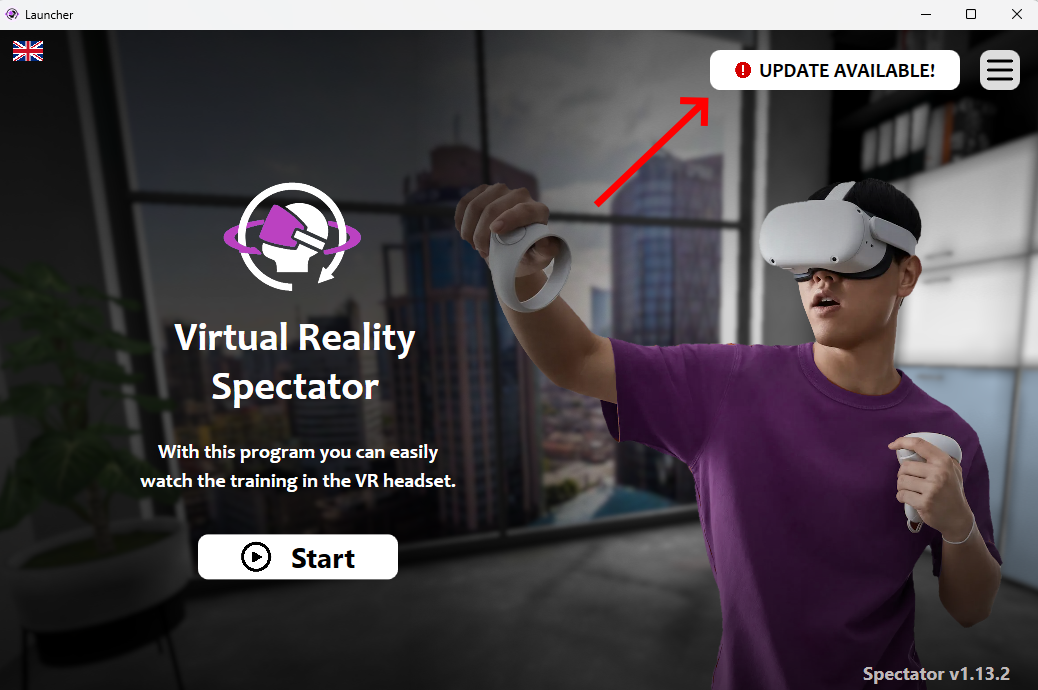
- Click on the Update button in the Launcher.
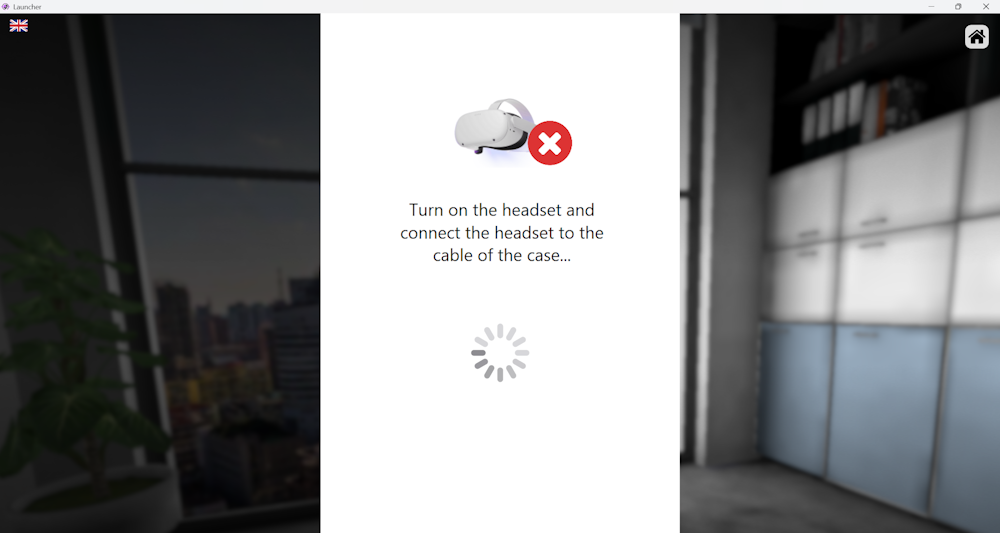
- Make sure the VR headset is turned on.
- Connect the headset to the case using the USB-C cable inside the case.
- Press Update.
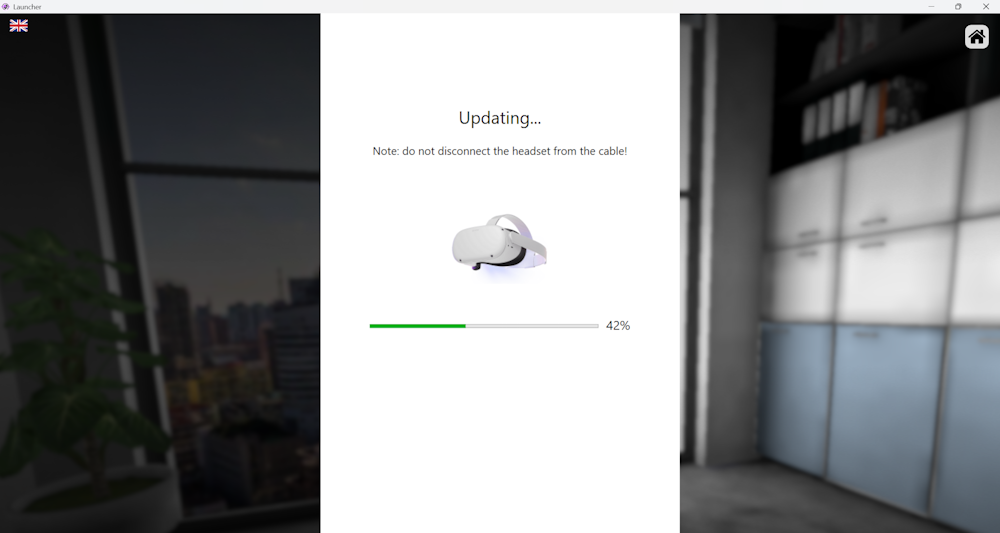
The system will update both the VR headset and the Spectator software.
Installation time
Installing the update usually takes around 5 minutes.
Make sure the headset stays connected during the update process.