Viewing results
The Training Workx portal allows trainers to view the progress and results of each student.
Results show how often a student trained, which modules were completed, and the scores achieved.
You can access the portal at:
- Logistic Workx: portal.logisticworkx.com
- Cleaning Workx: portal.cleaningworkx.com
Viewing student progress
- Log in to the Training Workx portal.
- Go to Training → Students.
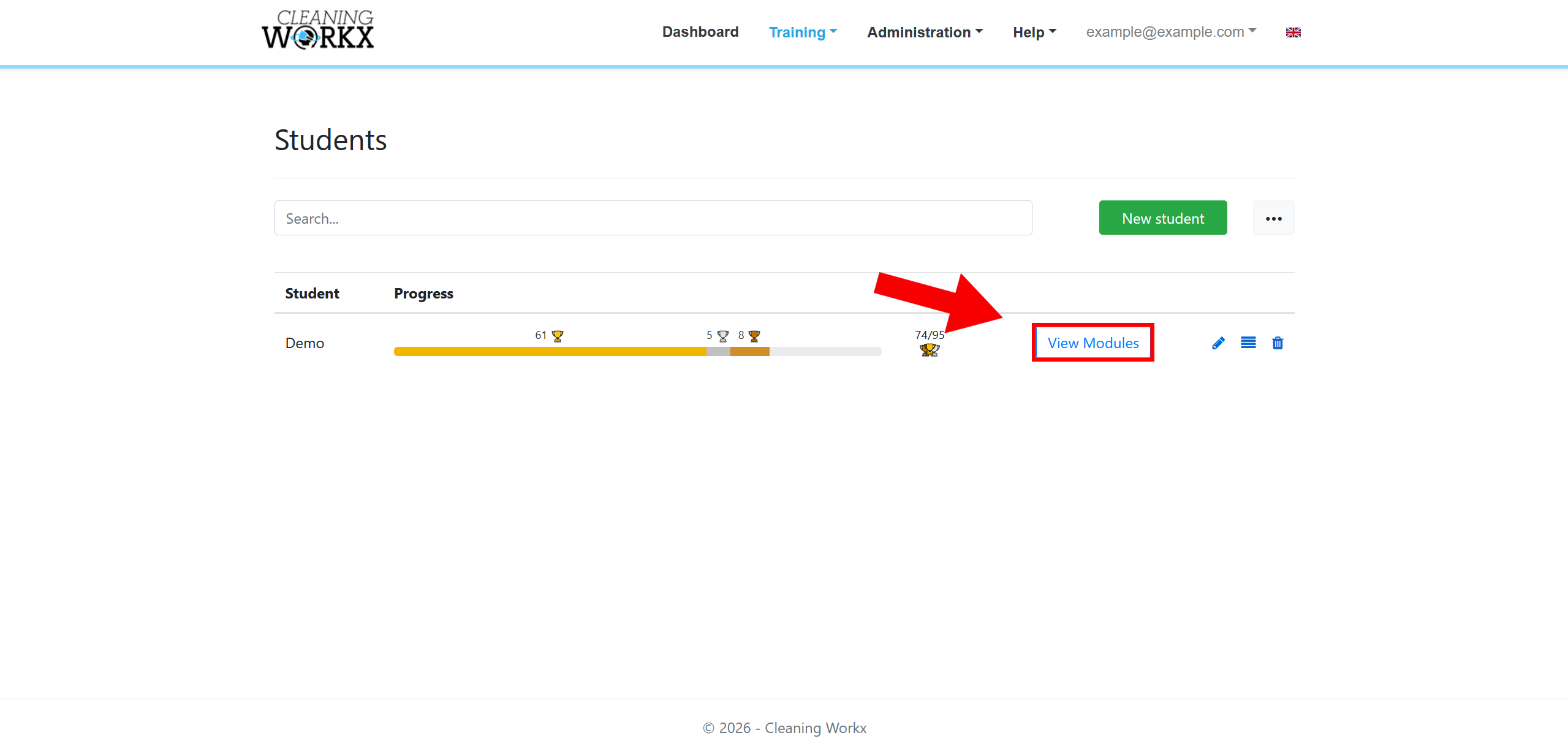
- Find the student you want to view.
- Click View Modules.
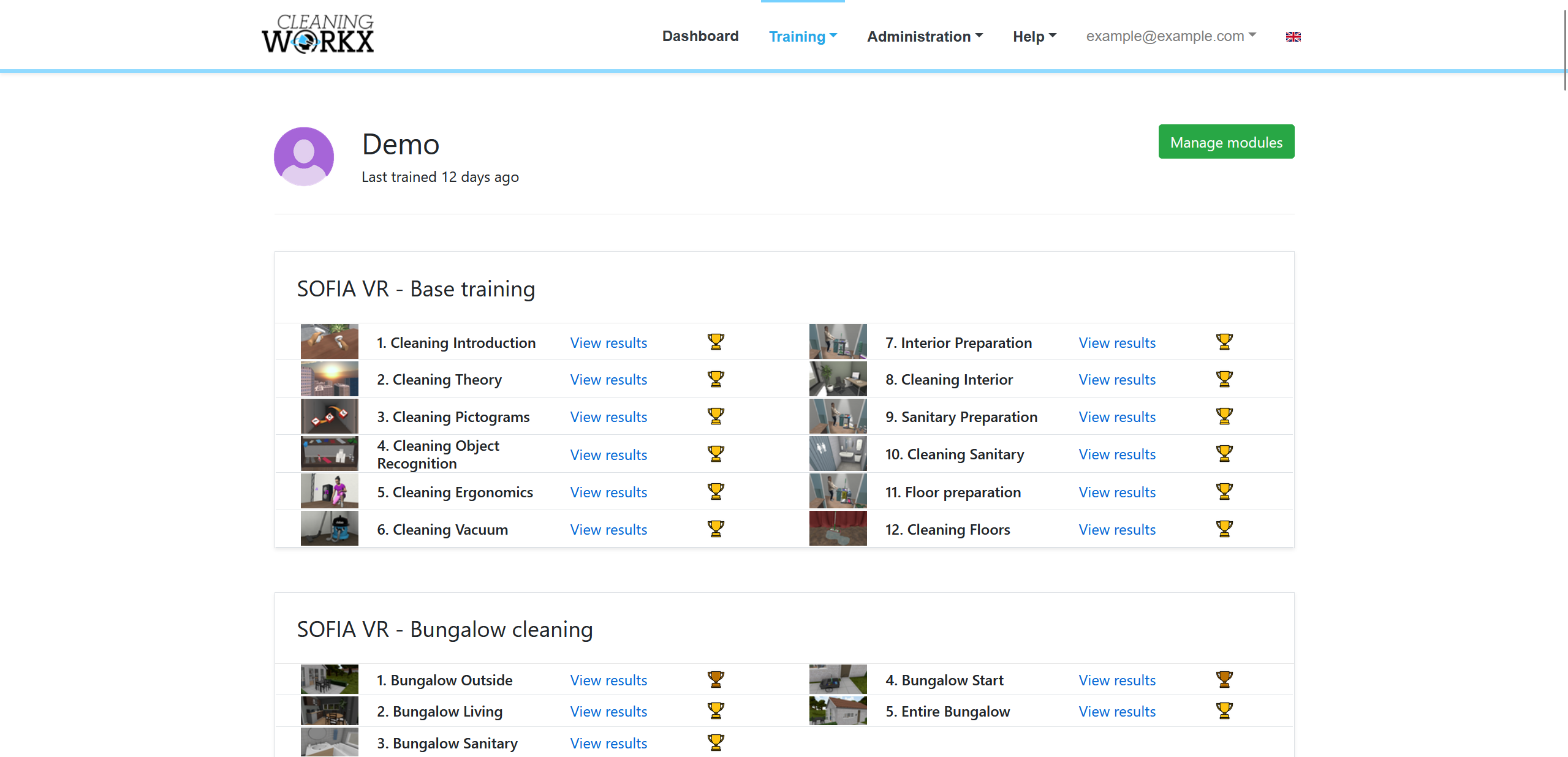
You will now see which modules the student has completed and their current progress.
Viewing module results
To see the detailed results for a specific module:
- Open the student’s module list.
- Click View Results for the module.
The results page shows:
- The number of times the module was played
- The type of session (training or exam)
- The score achieved
- The student’s progress over time
Exporting results
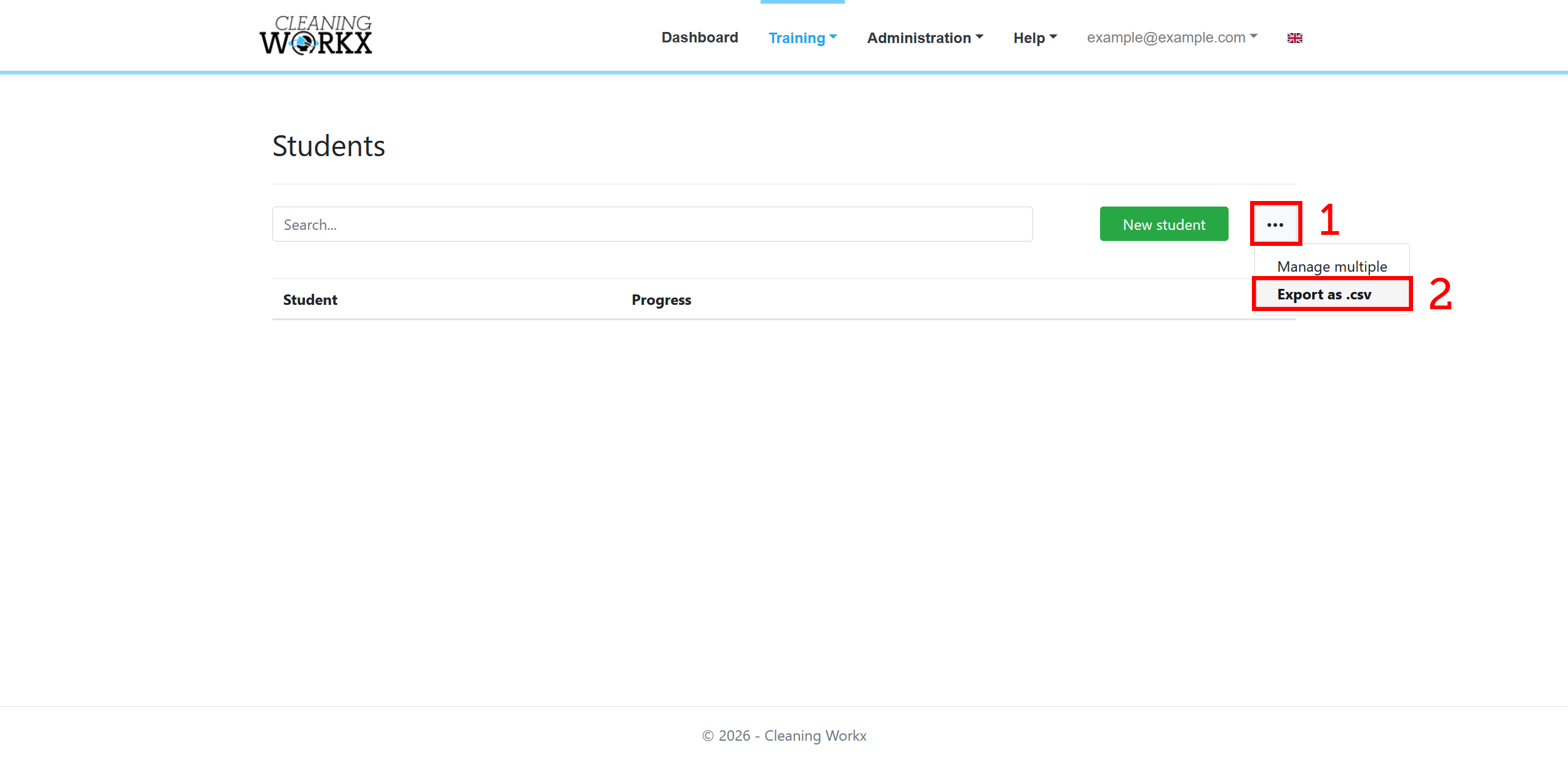
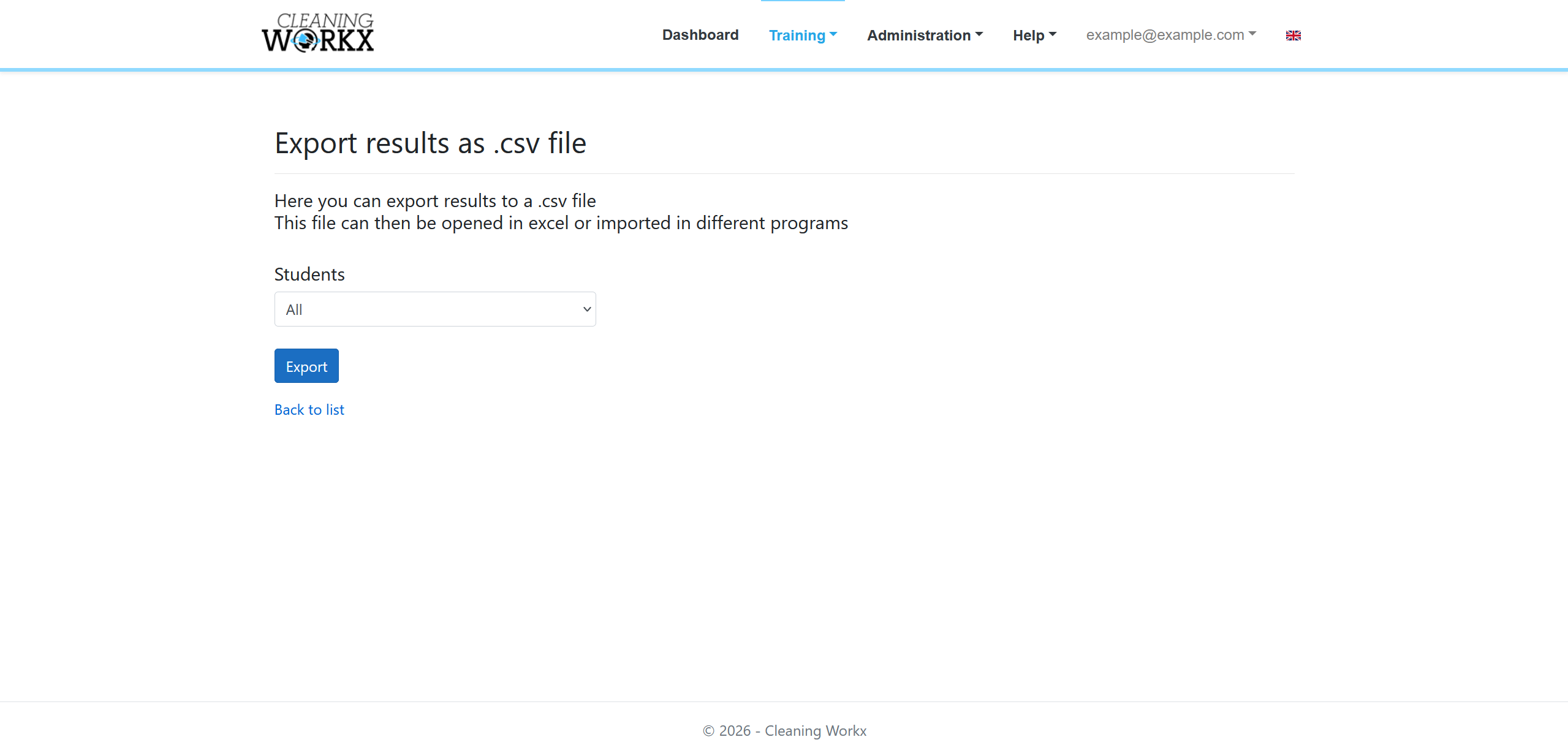
If needed, you can export the results for further analysis.
- Go to the Students page.
- Press the 3 dots next to the green New student button.
- Export the results as a .csv file.
This file can be opened in spreadsheet software for reporting or record keeping.