How to use the VR headset
Before starting the training, the trainee needs to correctly use the VR headset and controllers.
Follow the steps below to ensure a comfortable and safe VR experience.
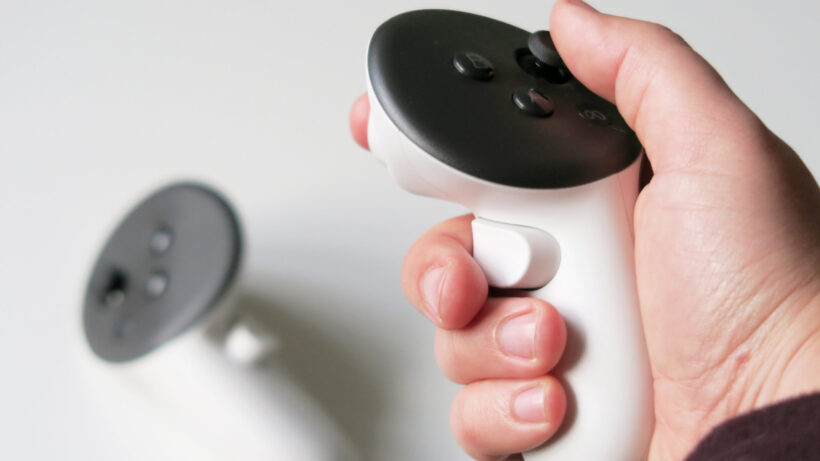
1. Pick up the controllers
Before putting on the VR headset, first pick up the controllers.
- Hold one controller in each hand.
- Put your hands through the wrist straps.
- Tighten the straps so the controllers stay securely on your wrists.
This prevents the controllers from falling during the training.
2. Put on the VR headset
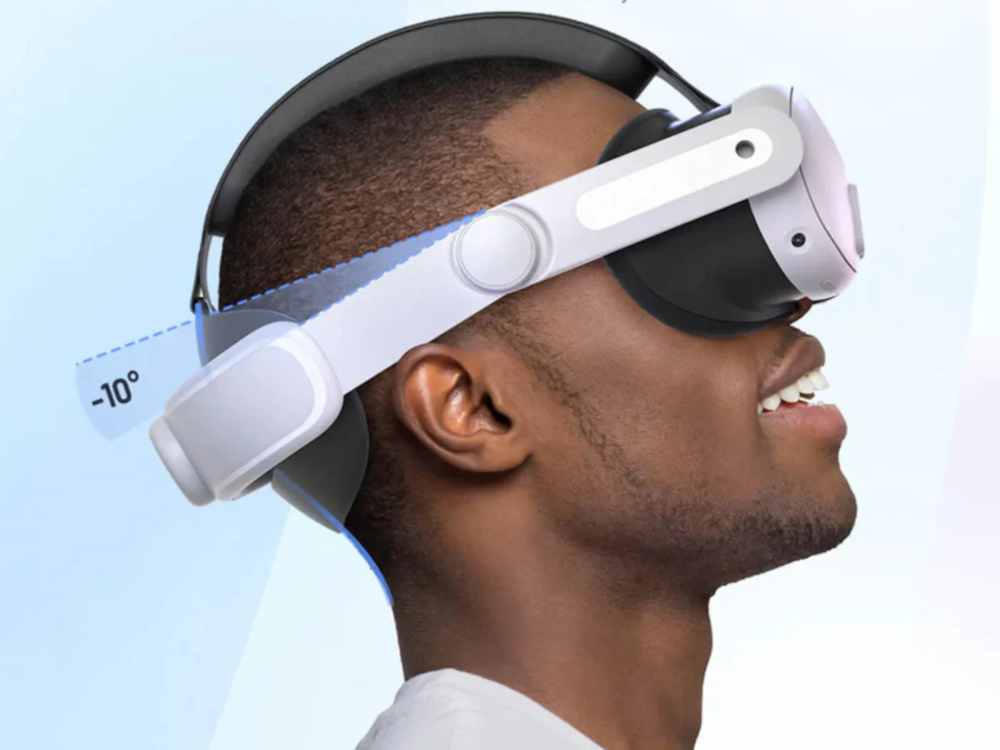
- Turn the dial on the back of the headset to loosen the head strap.
- Place the headset on your head.
- Adjust the headset position until the image looks clear.
- Tighten the dial on the back until the headset sits comfortably.
- Adjust the top strap if necessary so the headset stays stable.
3. Adjust the image
For the best training experience the image should be sharp.
- Move the headset slightly up or down on your face.
- Adjust the straps if necessary.
- Make sure the headset sits comfortably but firmly.
The sharpest position may differ for each person.
4. Ready to go!
Once the headset and controllers are set up correctly, you are ready to begin the VR training.
You always start by Using Your Box → Setting up the Boundary.