Changing the language
The VR training supports multiple languages. You can change the language before starting a training module. The spectator can also change language during the training.
The selected language will be used for the instructions, voice overs, and interface inside the training.
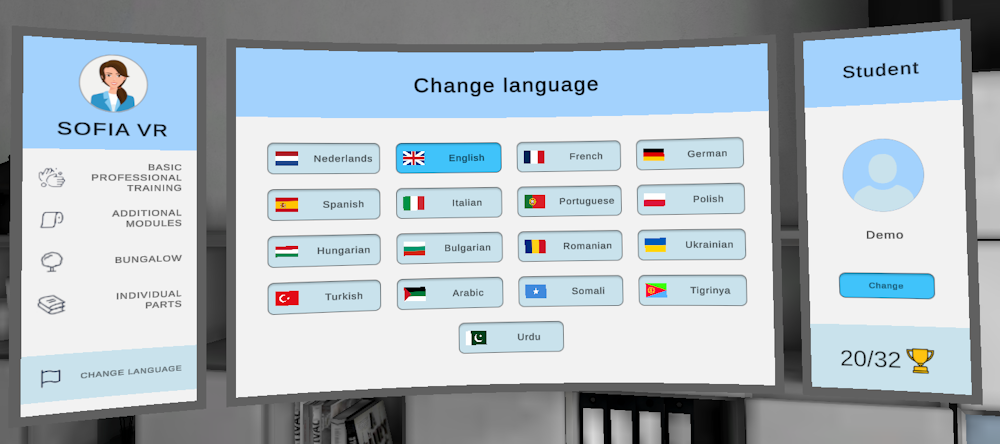
Changing the language in VR
- Start the VR training.
- You will begin in the Lobby.
- On the whiteboard, select the Change Language option.
- Choose the language you want to use.
The training will now continue in the selected language.
Changing the language using the Spectator
Trainers can also change the language from the Spectator.
- Open the Spectator.
- Connect to the VR headset.
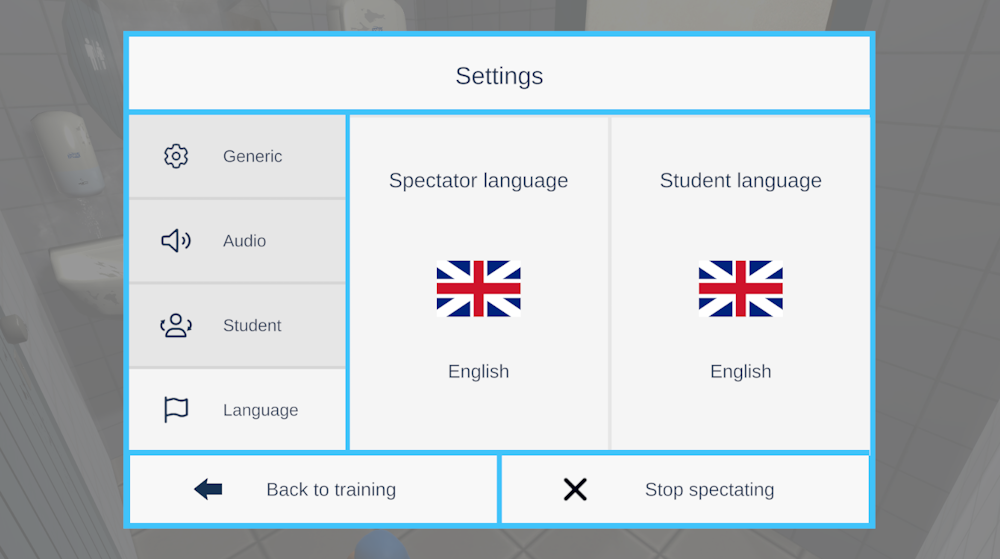
- Open the Settings > Language option in the controls.
- Choose if you want to change the Spectator or Student language (the Spectator is the language on the box, the student is the language in the headset).
- Select the language you want.
The language will update instantly.