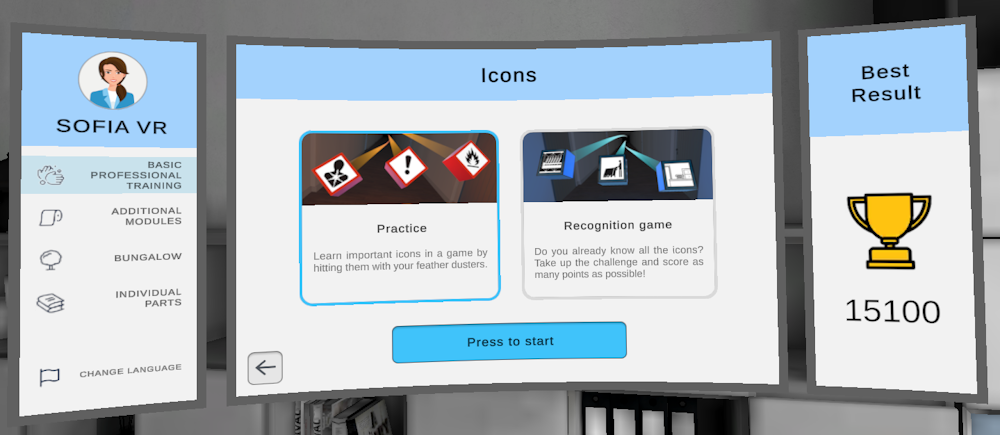
Selecting modules
When you start the training, you always start in our training lobby. The lobby looks like an office space in Shanghai where you have a large screen in front of you. This menu allows you to select what module you want to play.
1. Selecting the training
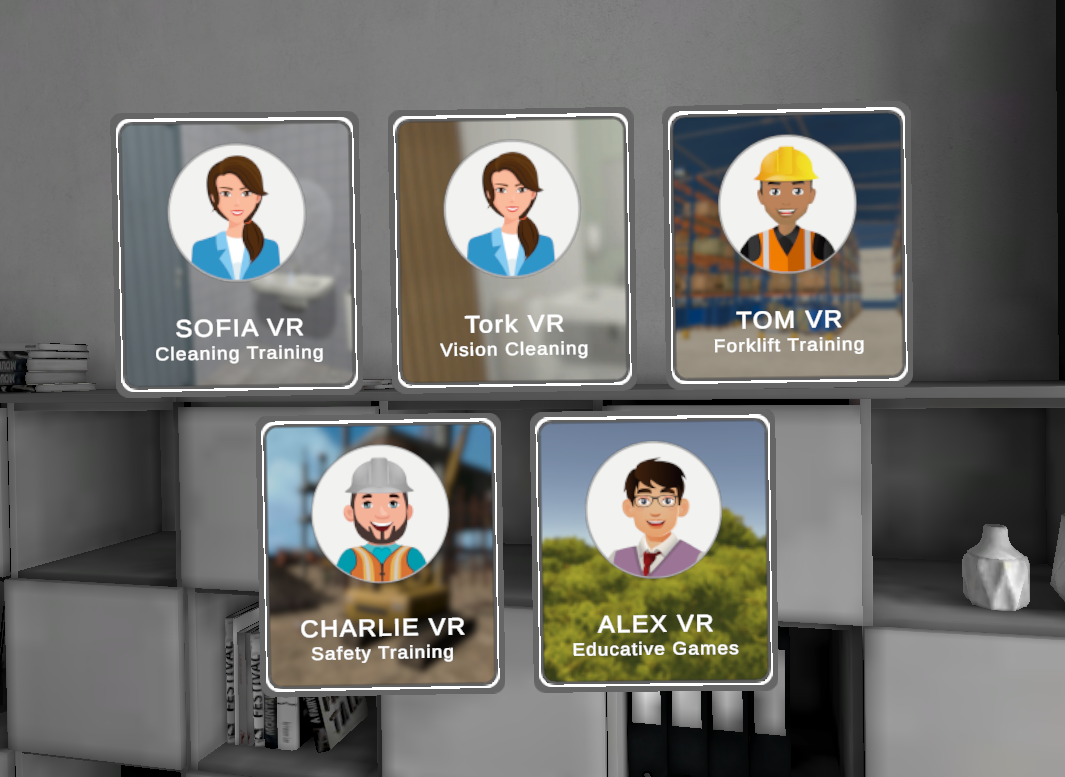
If you're using a device with multiple trainings (such as Sofia VR, and Tom VR), you will first have to select which training you want to play. You do this by touching the training button with your hand.
If you later want to switch to a different training, you can do this by touching the training head on the top left of the screen with your hand.
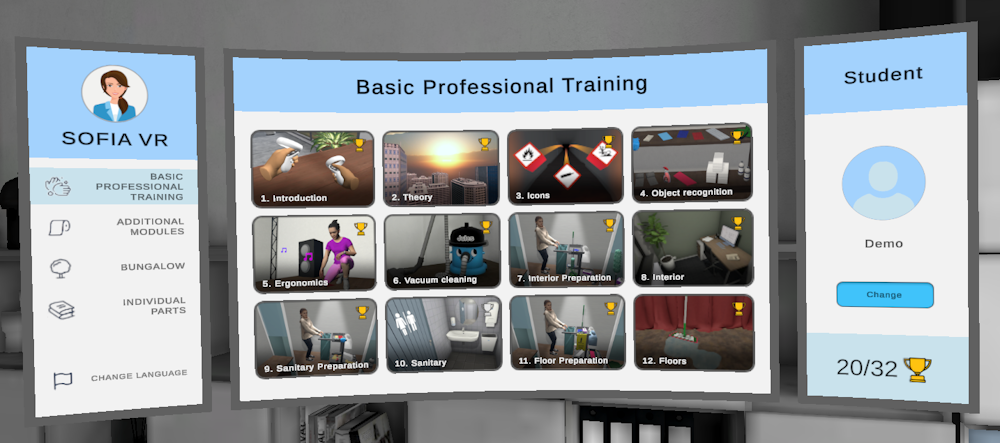
2. Selecting the module
Once you've selected the training, you can now select which module you want to train. Select the module by touching it with your hand.
If you want to switch back to a different module, you can use the arrow on the bottom of the screen.
3. Selecting the training mode
Most modules allow you to play a practice mode and a recognition game. After selecting a module, you will have to decide which of these you want to play. The practice module teaches the student something, while a recognition game or exam tests whether the student can do something by themselves.