Using training programs
Training programs allow trainers to organize which training modules students should complete.
There are two types of training programs:
- Any order – Participants can complete the selected modules in any order.
- Lesson plan – Participants must complete the modules in the order defined by the trainer.
Training programs are managed through the Training Workx portal.
You can access the portal at:
- Logistic Workx: portal.logisticworkx.com
- Cleaning Workx: portal.cleaningworkx.com
Creating a training program
- Log in to the Training Workx portal.
- Go to Training → Trainings.
- Click + Training program.
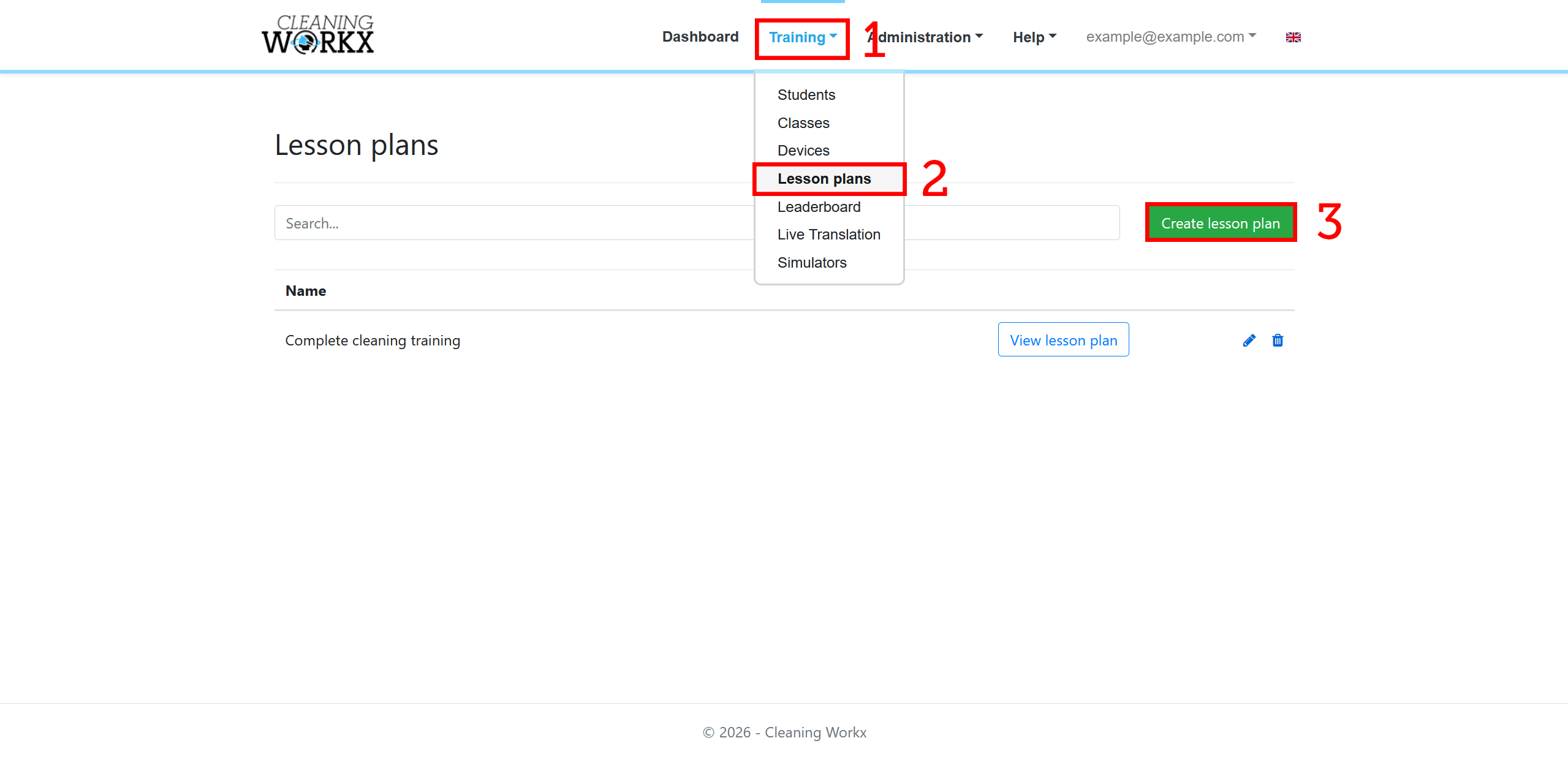
- Enter a name for the training program.
- Choose the desired Training form:
- Any order – Participants can complete the selected modules in any order.
- Lesson plan – Participants must complete the modules in the predefined order.
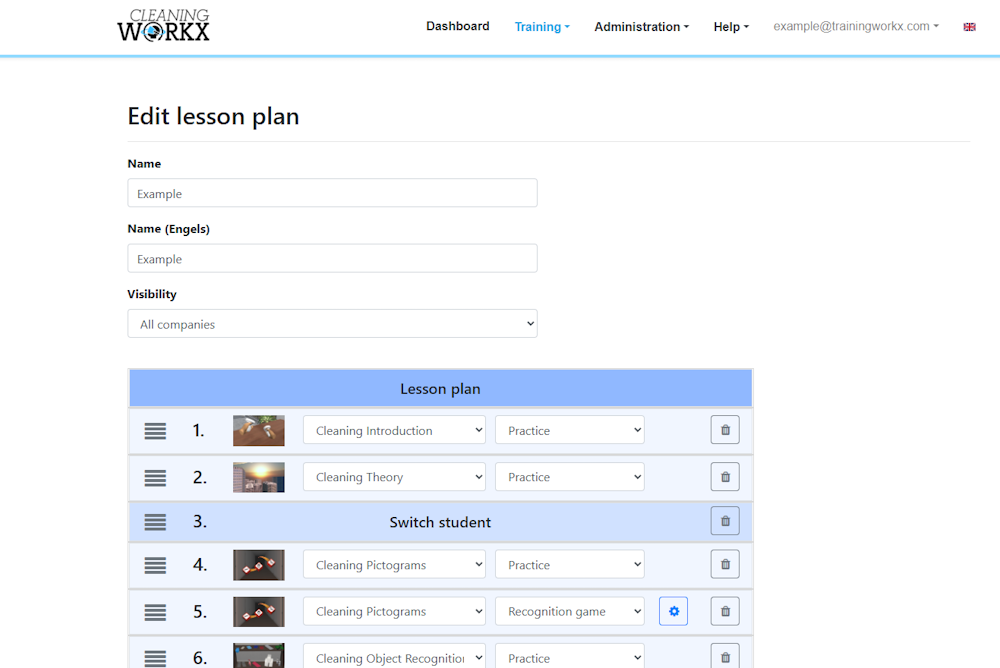
- Add the modules you want to include.
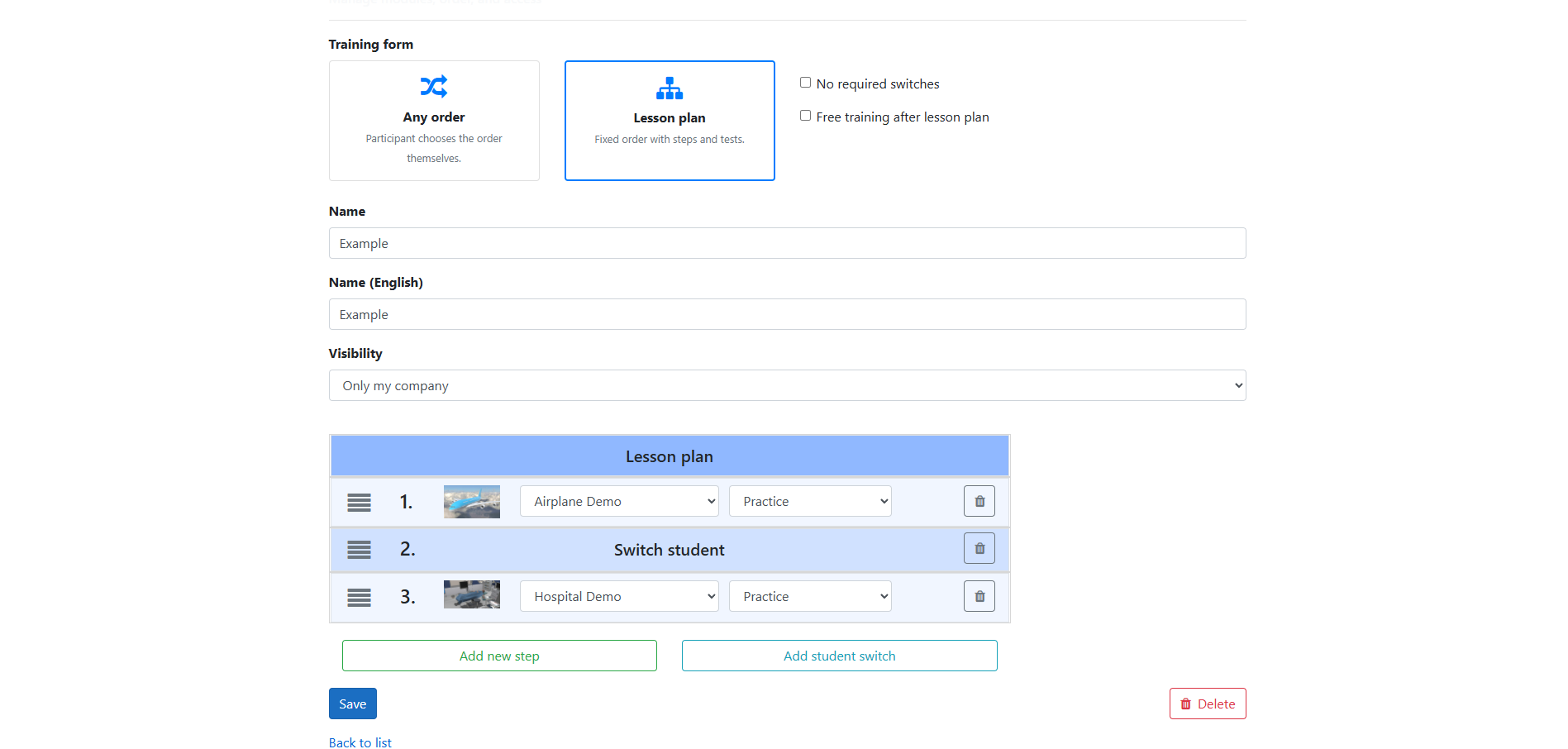
- Save the training program.
Assigning a training program
Once a training program has been created, it can be assigned to individual students.
- Go to Training → Students.
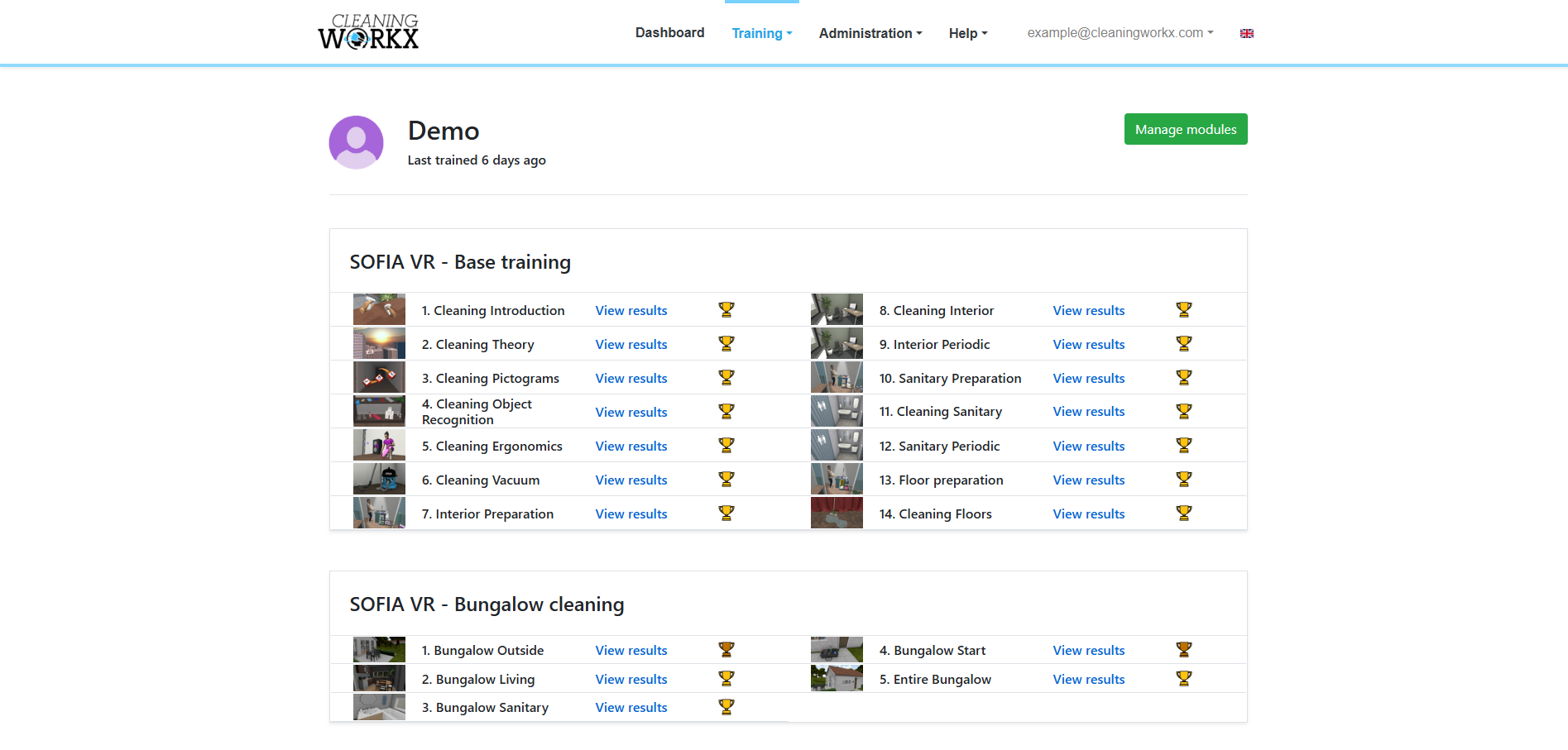
- Find the student and click View modules.
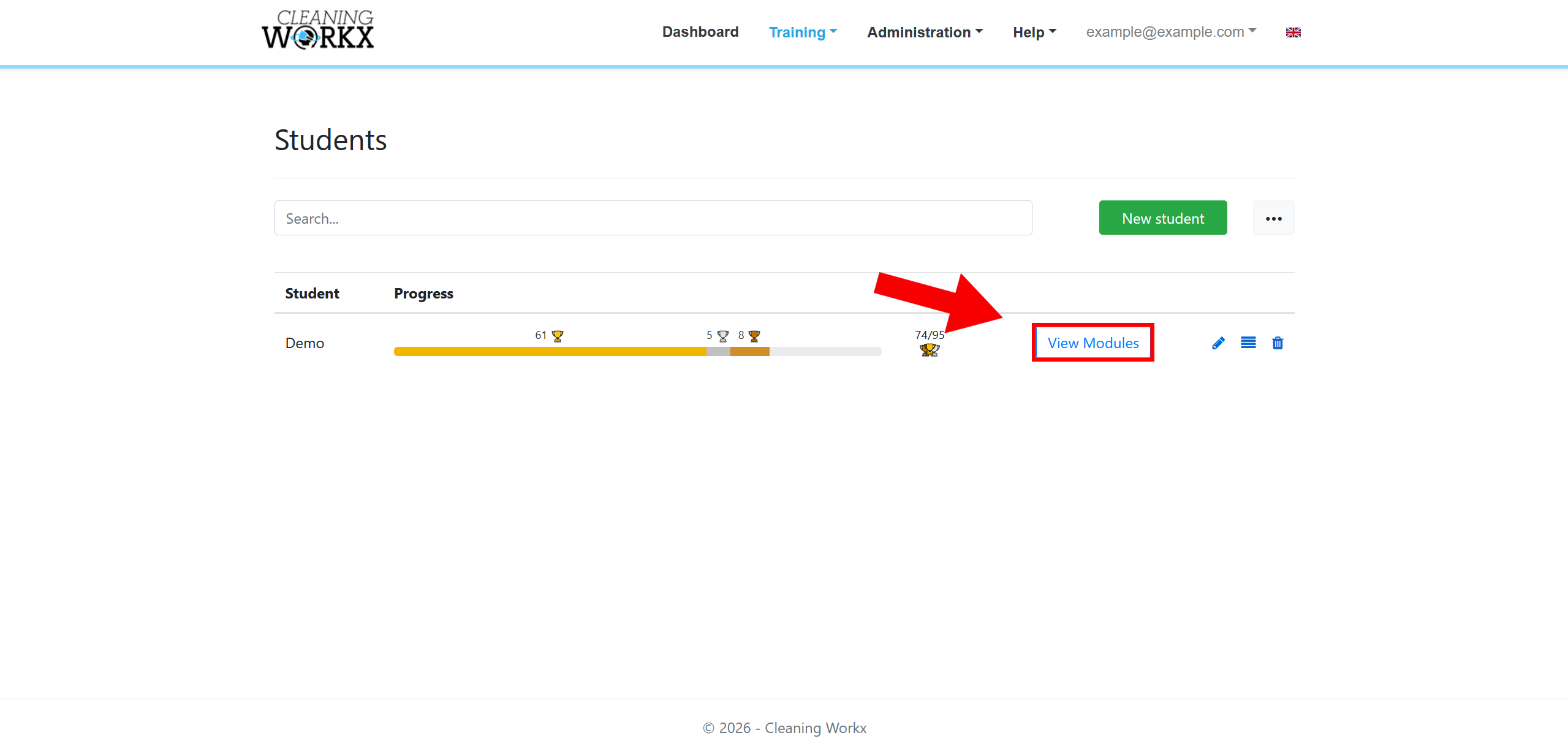
- Click Manage modules.
- In the top-right corner, use the Training program dropdown to select the training program you created.
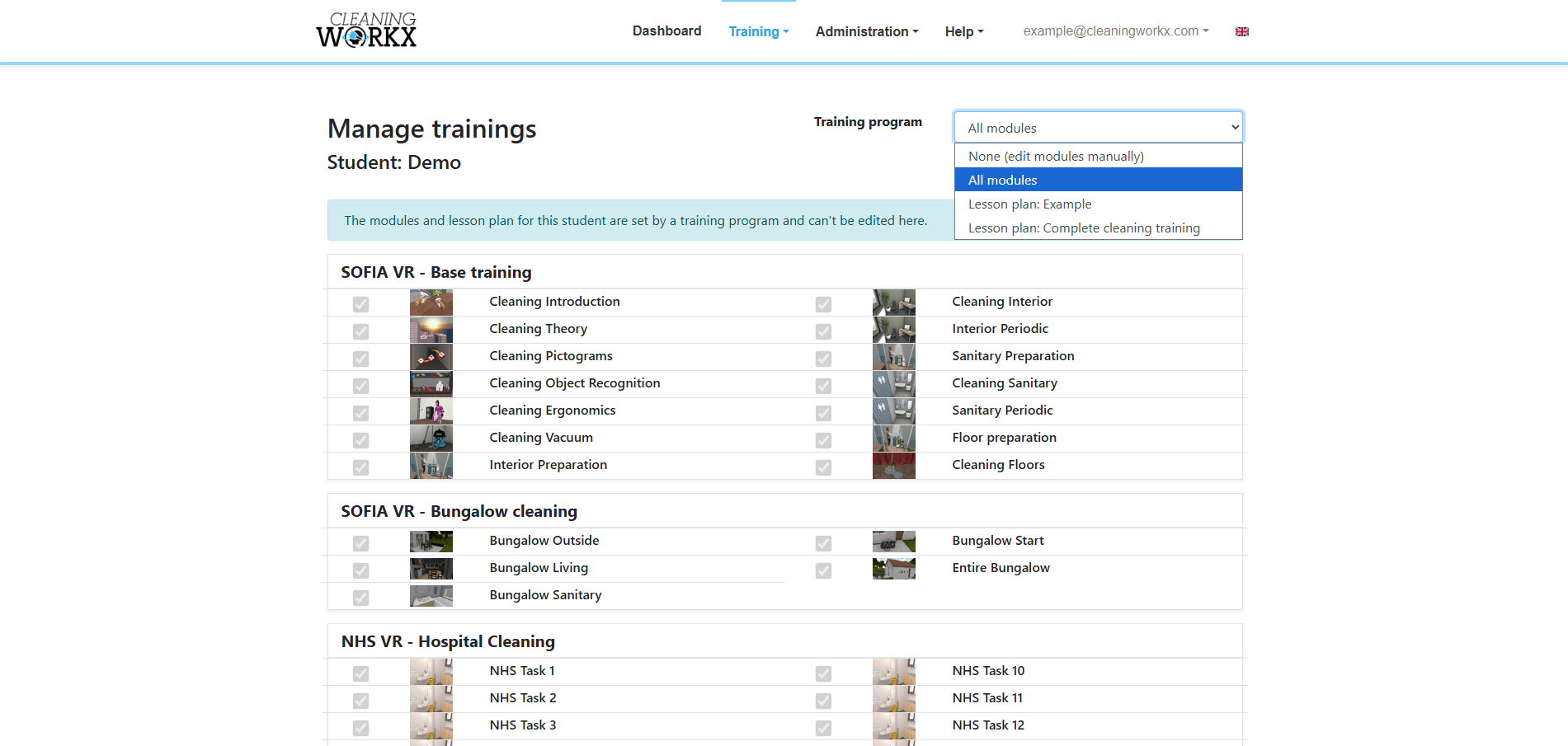
- Save the changes.
The selected training program is now assigned to the student.
Using training programs in VR
When students start the VR training, they will see the modules from their assigned training program.
- If the training program is Any order, students can complete the modules in any order.
- If the training program is a Lesson plan, students must complete the modules in the predefined order.