Playing a module
Once you start playing a module, you will be brought to a different room. In this room, you can find a screen on the wall giving you instructions. These instructions will also be communicated through voice overs in the headset.
Instruction screen
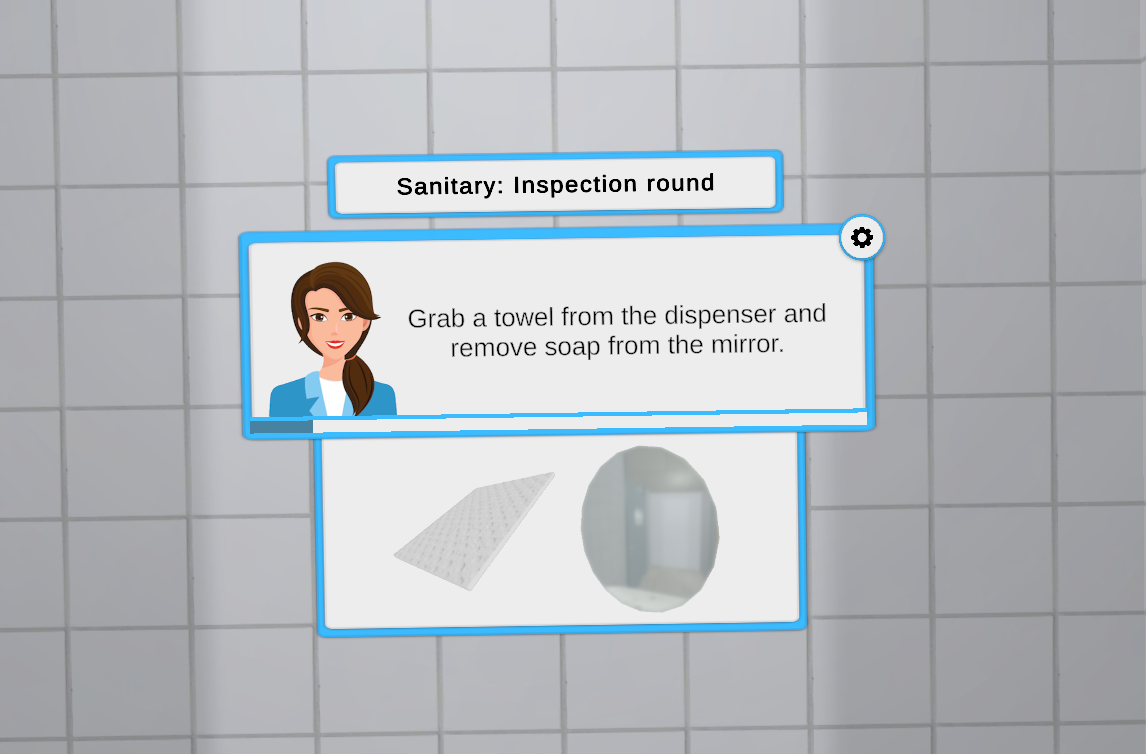
The instruction screen will tell you what to do in the training. When you get stuck, you can always move back to the screen to see what it says. It can also provide images to help point you in the right direction.
Some instruction screens also have a progress bar underneath the instruction. They will show you how far in the module you have progressed.
Completing steps
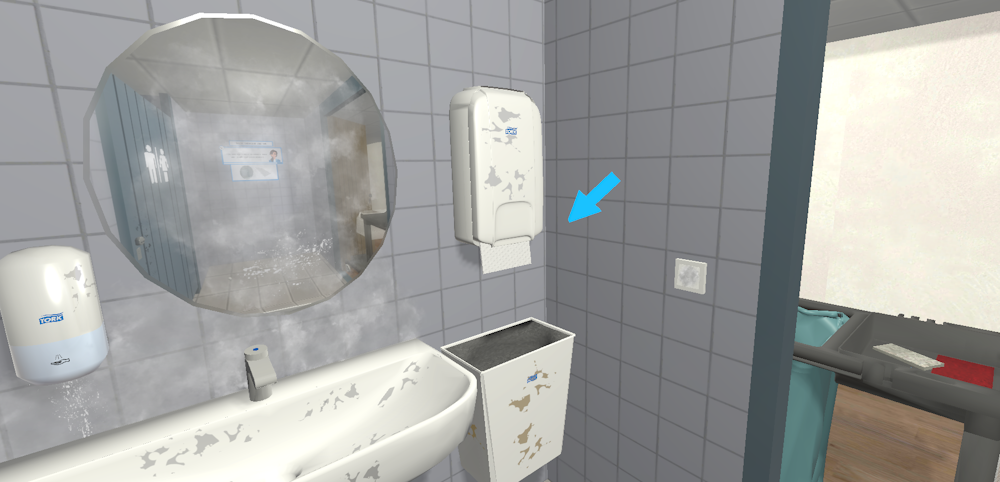
Instructions are usually also marked by highlights or arrows. By completing the right actions, the next instruction will automatically play and the instruction screen will change.
Settings screen
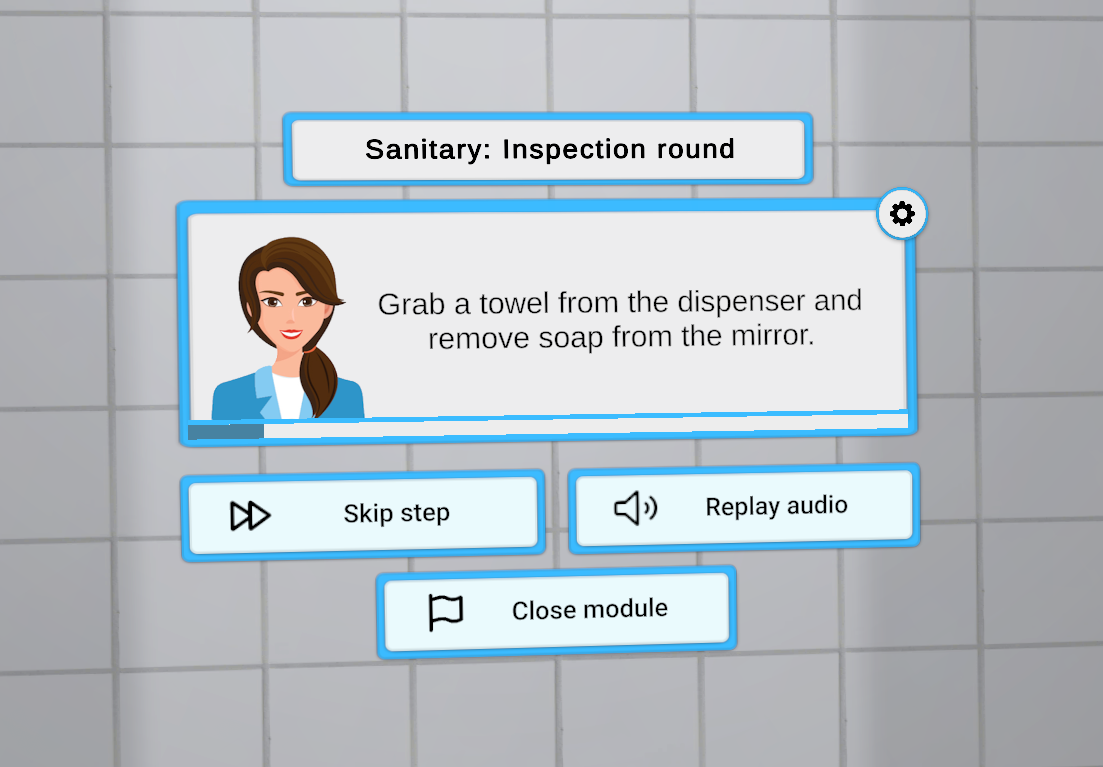
If you want to open the settings screen, you do so by touching the gear on the top right of the instruction screen. This screen provides you with a couple different options:
- Skip this step and move to the next step
- Close the module and go back to the lobby
- Replay the last voice over